

Bulk Upload Images
Drag & drop images or click to select. Supports PNG / JPG / JPEG / WebP, up to 50 images.
Uploaded: 0 / 50
What Can You Do with Our Rounded Corner Image Online Tool?
Flexible dual-mode design. Perfect for refining image corners for UI assets or generating social avatars.
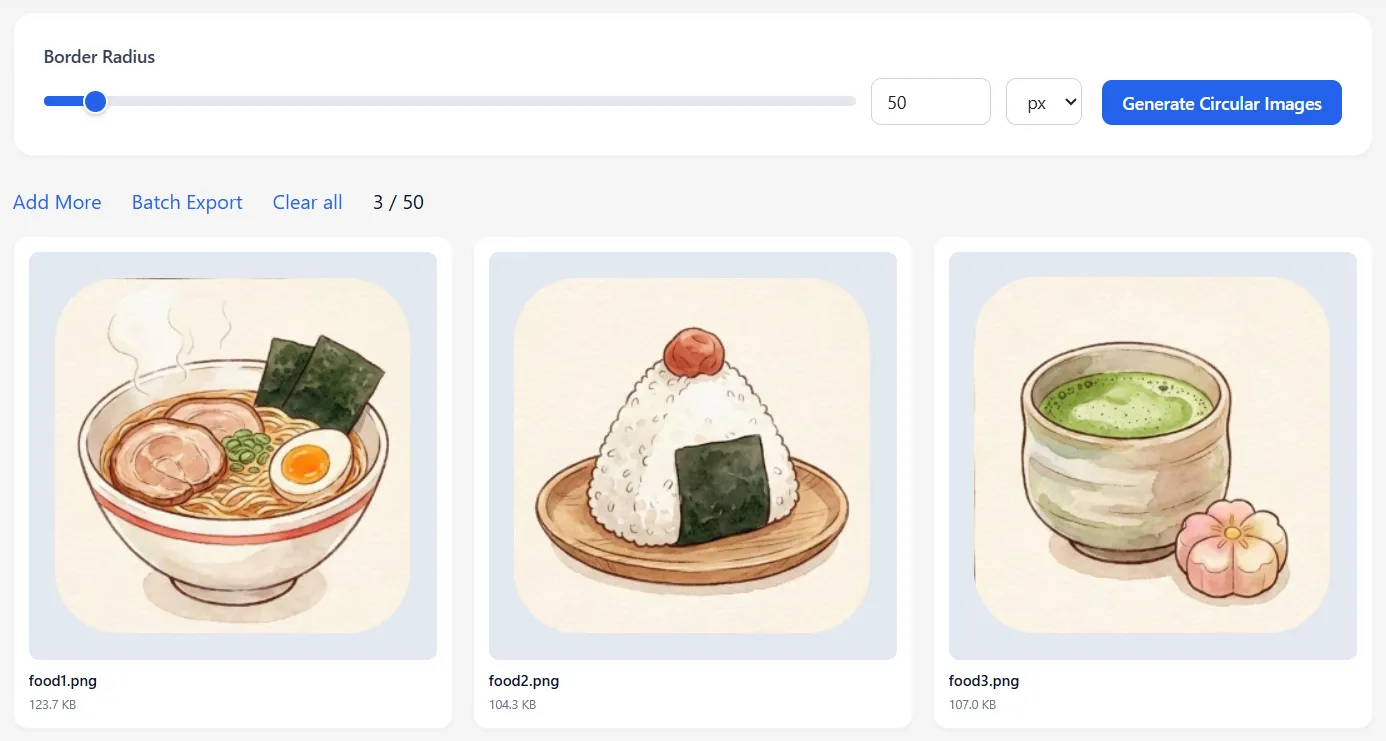
Batch & Independent Control (UI/E-com)
Supports both Px and % units. You can drag the slider to adjust the image corner radius for all files, or click a specific photo to set its independent image corner style.
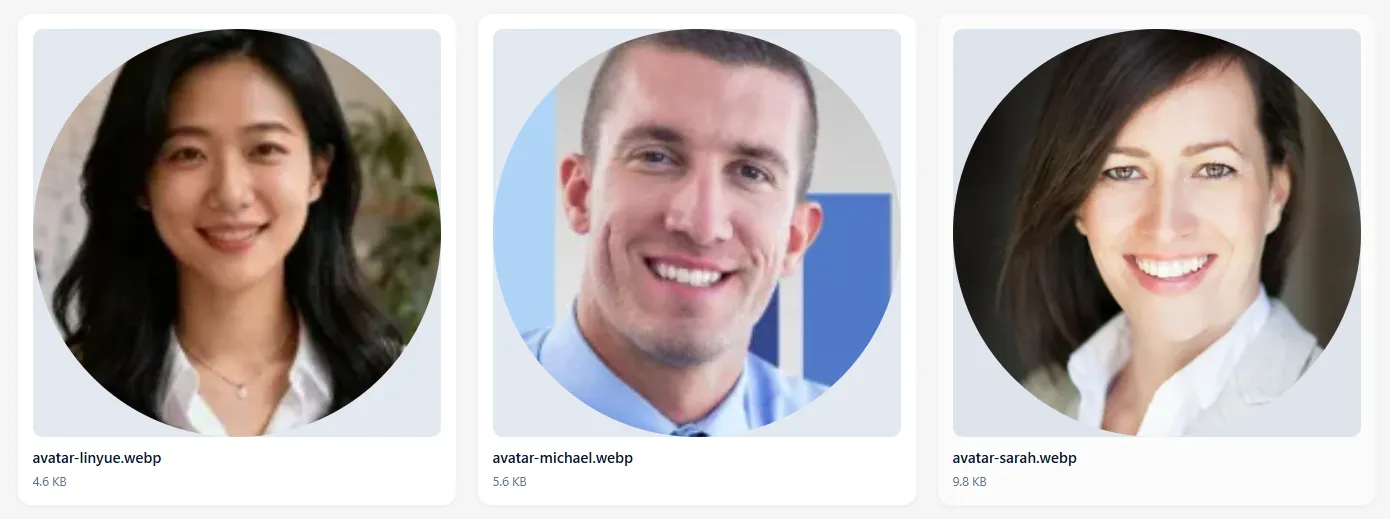
One-Click Circle (Avatar Maker)
No manual cropping needed. The system automatically detects the center and shapes the image corners into a perfect circle. The easiest way to round an image corner for social profiles.
Google Play 2026 Icon Policy Update: Check if your app icon is compliant.
Why Choose Our Online Image Corner Rounder?
High-Speed Batching
Powered by a high-performance engine. Whether you need to process image corners in bulk or download individually, it responds in milliseconds.
Lossless Original Export
We adhere to the 'Input = Output' principle. Supports PNG/WebP transparency for image corners and adapts white backgrounds for JPGs, ensuring lossless quality.
Privacy First
A truly client-side tool. All processing happens locally in your browser to create your rounded image corner design. No data is uploaded to servers.
How to Make Round Corner Images Online
Upload Images
Adjust Freely
Flexible Export
What Are the Core Advantages of Our Rounded Corner Image Online Tool?
Built for Efficiency
Batch & Independent Operations
Get global efficiency and single-image precision. Batch apply round corners or independently edit specific image corners without interference.
Dual Unit Support
Switch between Pixels (px) and Percentage (%) for precise image corner styling. Perfect for adaptive design requirements.
Avatar Cropping
Exclusive Crop algorithm handles rectangular images, ensuring your image corners form a perfect circle without distortion.
Flexible Export Options
High freedom of download. You can download all results in a ZIP or save a specific image corner result individually.
Hear from Our Users: Real Feedback
What Our Users Say Rated 4.8/5 based on 146 customer reviews.

Alex Jordan
UI Designer
The 'Batch + Independent' dual-mode design of this Image Corner Rounder is simply amazing! I can apply a global style with the slider and then click specific images for fine-tuning. What used to take 30 minutes now takes just 30 seconds.
Sarah Mitchell
Social Media Manager
The One-Click Circle feature in this Image Corner Rounder is a lifesaver! It uses cropping to automatically center the image. No manual cutting needed—my avatars look perfect on Instagram and Twitter.

Mike Peterson
Indie Developer
Privacy is my top priority. I hate uploading unreleased assets to servers. This Image Corner Rounder processes everything locally in the browser. It's secure, fast, and exactly what I needed.

Emily Davis
E-commerce Owner
The support for percentage (%) units makes this Image Corner Rounder incredibly practical. When handling product photos of various sizes, using percentages ensures consistent corner curvature across the board.
Image Corner Rounder FAQs
Start Rounding for Free Now
Experience the best tool for image corner rounding online.